
Monthly visits
2,062,269
2026-10
Monthly growth +186.6%

Audio Transcriber AI - Turn audio recordings into readable transcripts online

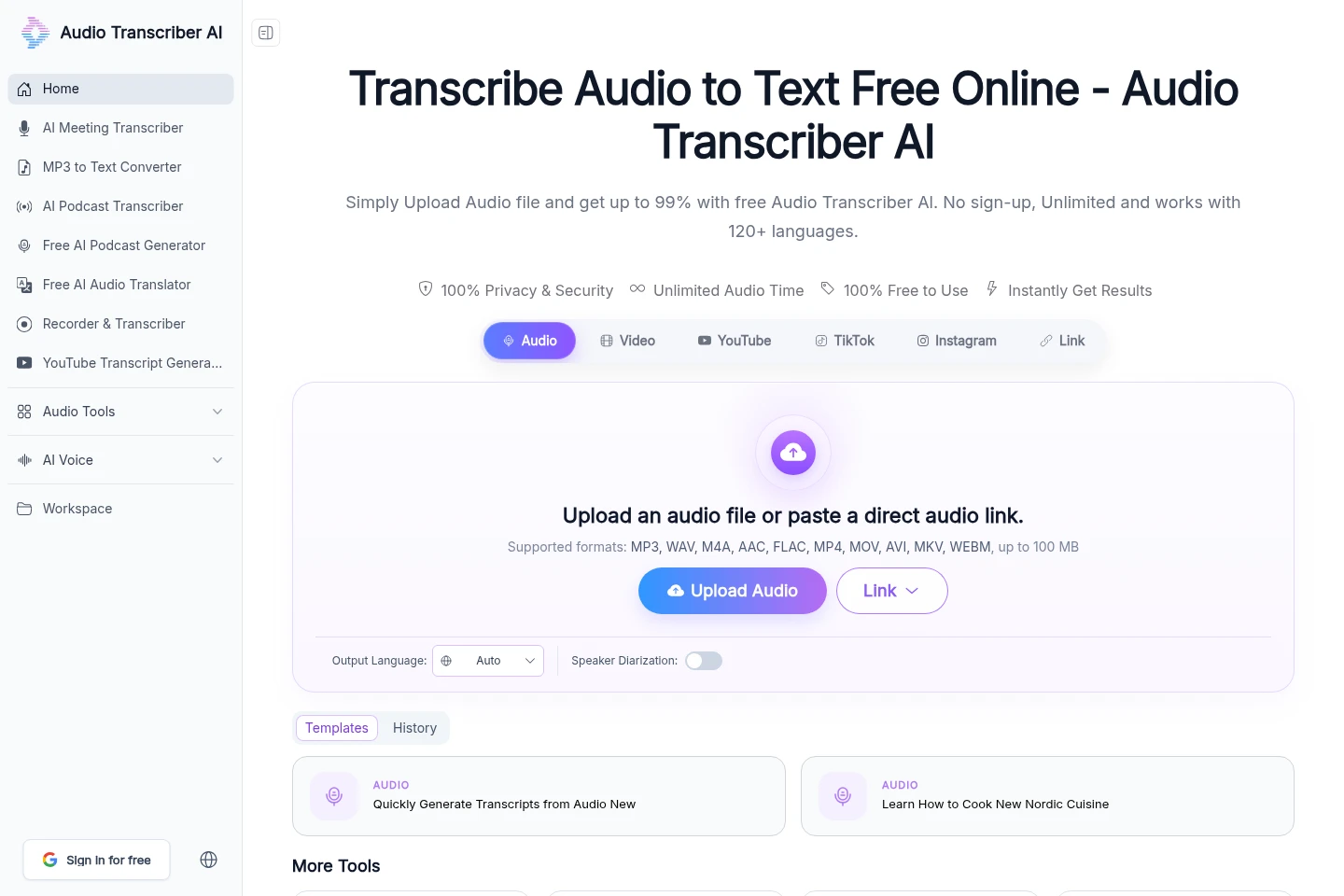
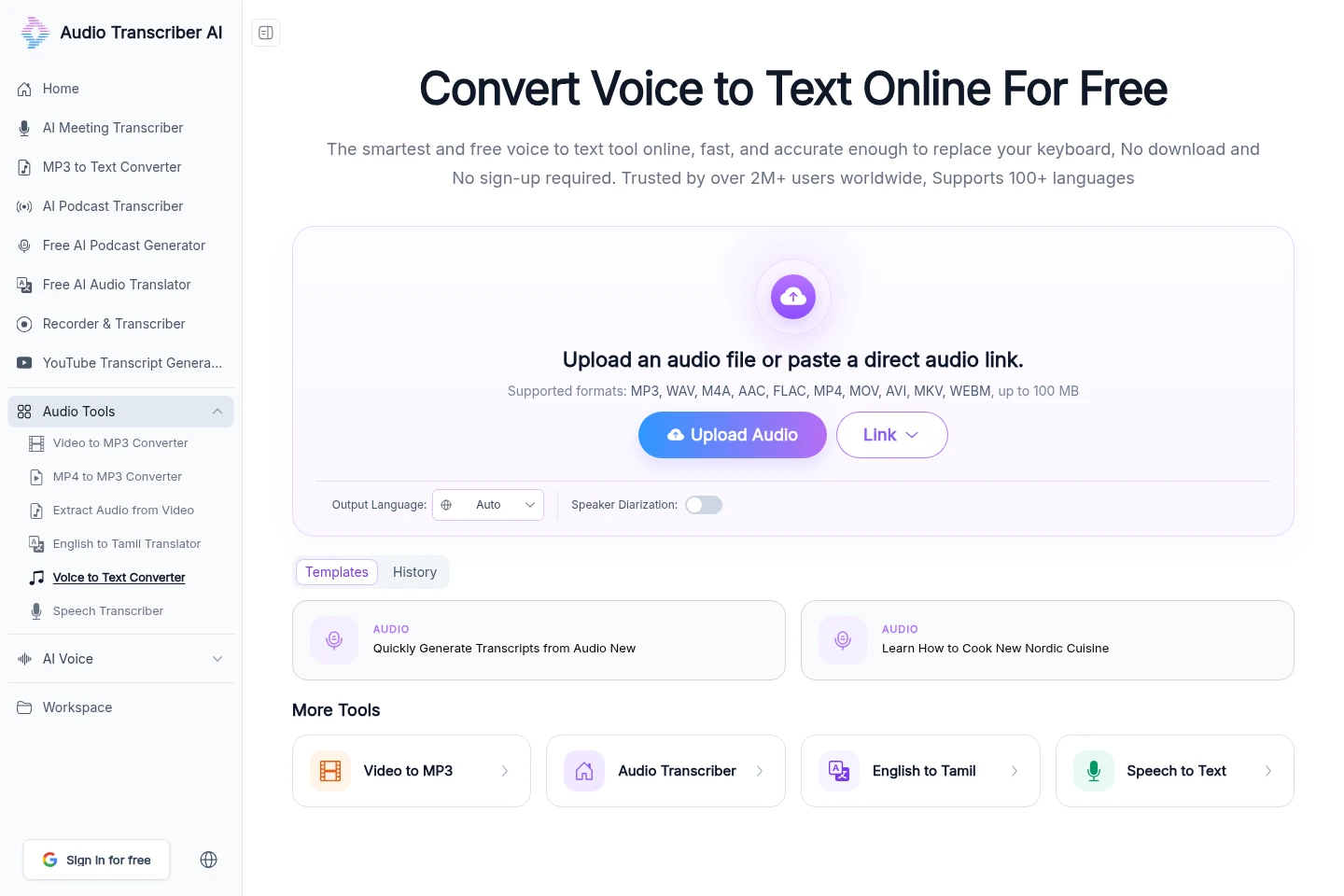
Audio Transcriber AI is a browser-based tool that converts uploaded audio and direct audio links into text. It supports common audio and video formats, offers speaker detection with timestamped transcripts, and can translate transcripts into more than 120 languages. Users can copy or download transcripts; listed export formats include TXT and Word, with SRT and TXT available on Voice to Text.

Visit WebsiteUpdate this product

0Views

Capabilities

Audio and video transcription

Converts uploaded audio files or direct audio links into text. The upload interface lists MP3, WAV, M4A, AAC, FLAC, MP4, MOV, AVI, MKV, and WEBM.

Speaker detection and timestamps

Detects different speakers and produces timestamped transcripts. Speaker diarization can be selected in the transcription interface.

Transcript translation

Translates transcripts into a selected language, with support for more than 120 languages. Users can choose an output language in the transcription interface.

Transcript export

Provides transcripts for copying or downloading. The homepage lists TXT and Word downloads, while the Voice to Text tool lists SRT and TXT exports.

Pricing

Pricing is contact-based; whether use is free or paid and the billing terms are not specified here. Compare the transcription and export options available when requesting pricing.

Use cases

Review recorded meetings

When meeting details need to be revisited, upload a meeting recording to generate a timestamped transcript with speaker detection. Copy or download the text to review what was said.

Read interview and podcast recordings

When reviewing spoken material is easier in text, upload an interview or podcast recording for transcription. The resulting transcript can be downloaded or copied for reading and reference.

Turn lectures and voice memos into text

When a lecture or voice memo needs to be reviewed without replaying the whole recording, upload the audio to create a transcript. Copy or download the text for notes or later reference.

Limitations

  • Transcript accuracy depends on the source audio; background noise, overlapping speech, accents, and fast speech can make transcription harder.

Alternatives

Video Transcriber AI

Turn video and audio into searchable transcripts

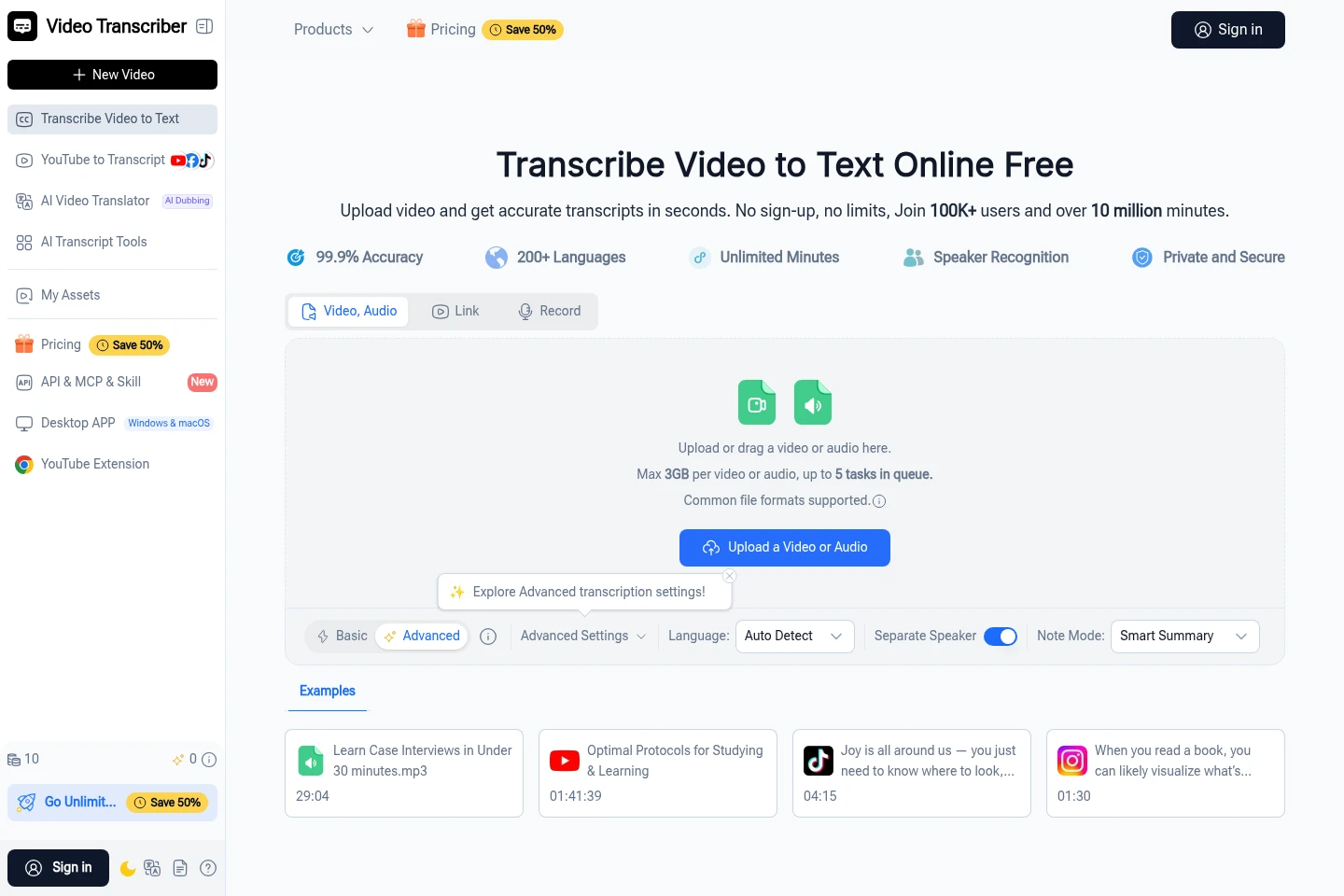
Video Transcriber AI converts uploaded video and audio, online media links, and Zoom recordings into text transcripts. It offers speaker labels, timestamped transcripts, multilingual transcription and translation, summaries, and options to copy, download, or share results. API access is also available.

  • Cloud
  • API
  • Contact Sales
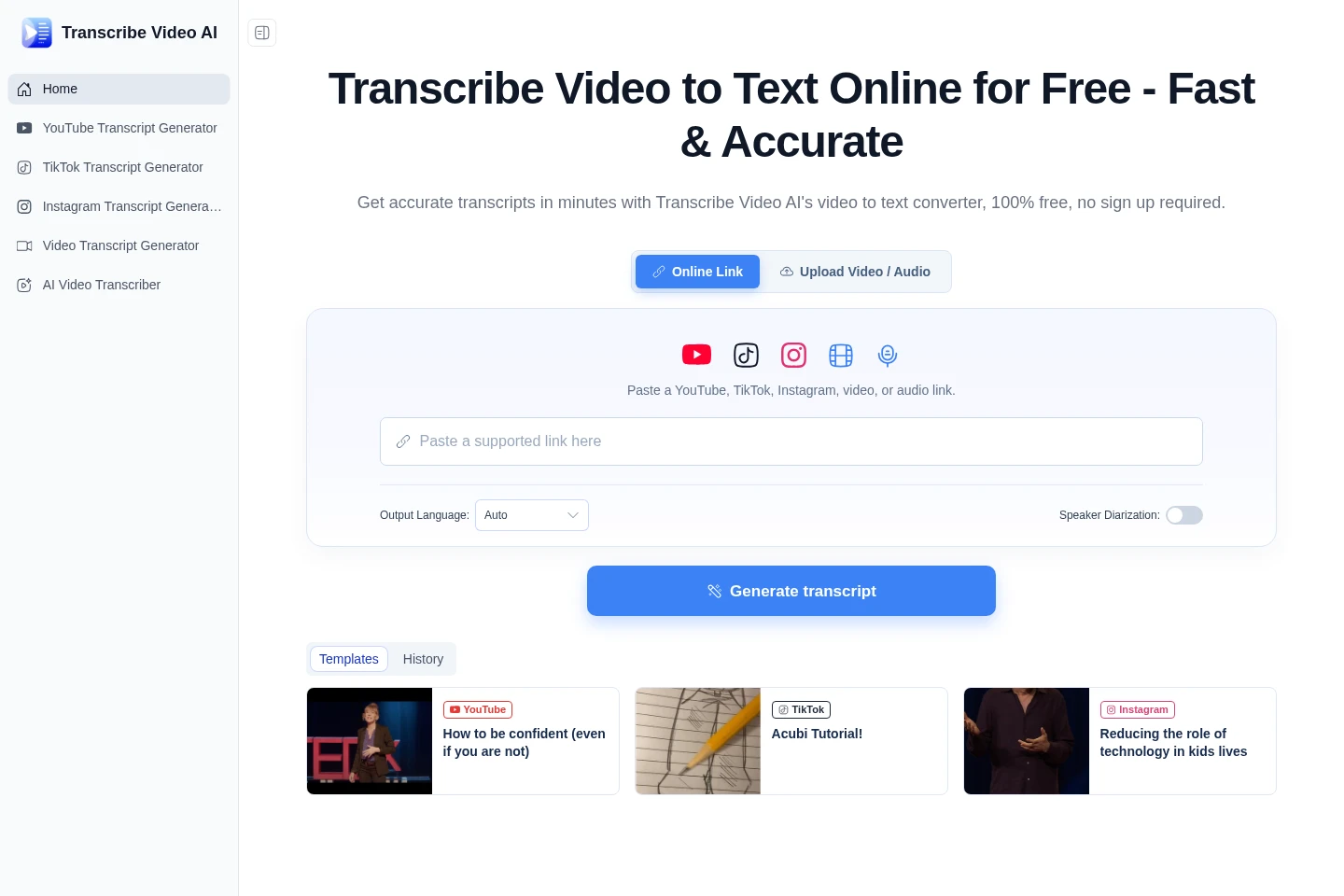
  1. Transcribe Video AI

    Turn video and audio into transcripts, subtitles, and summaries

    Free
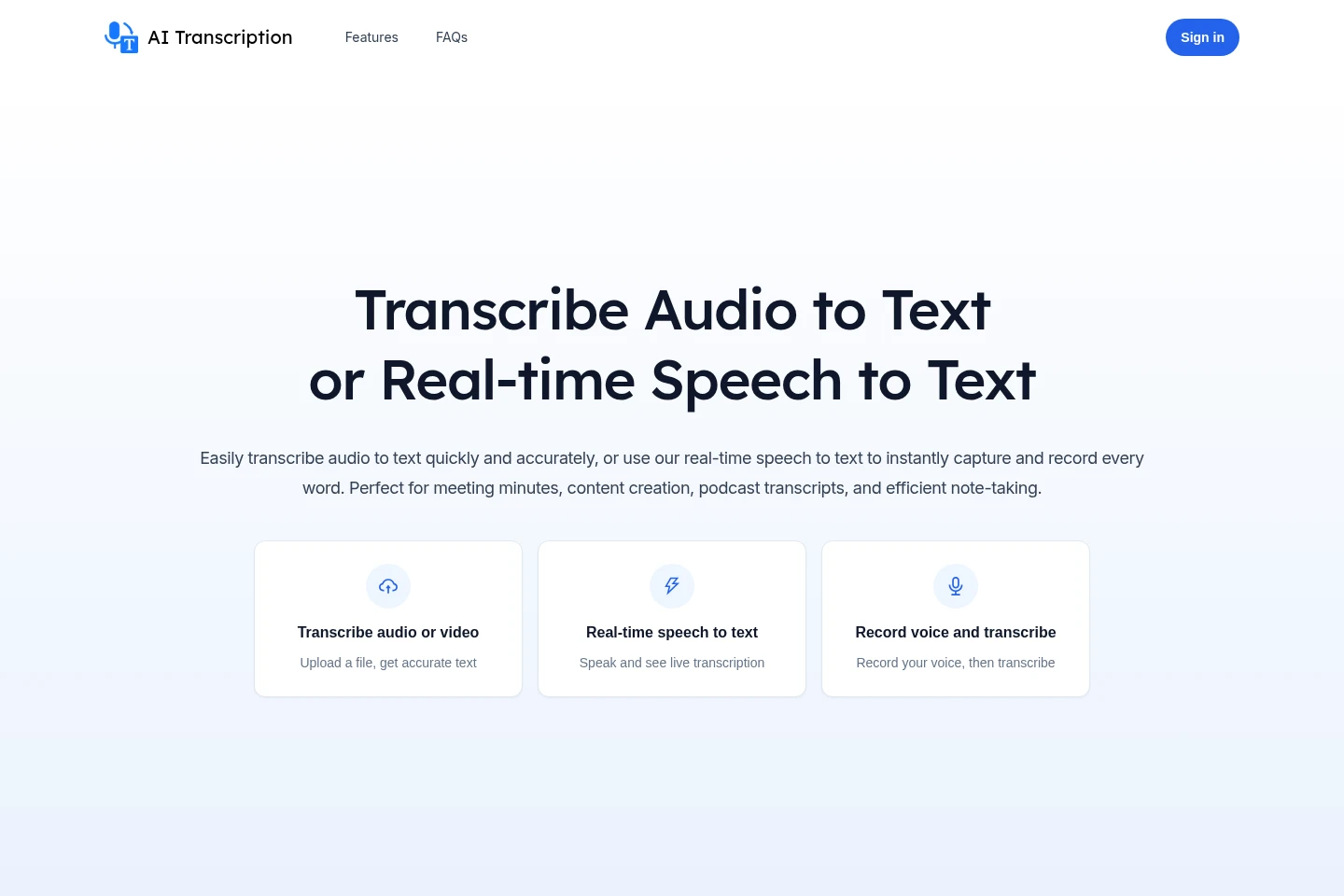
  2. AI Transcription

    Turn uploaded media and live speech into usable text

    Paid
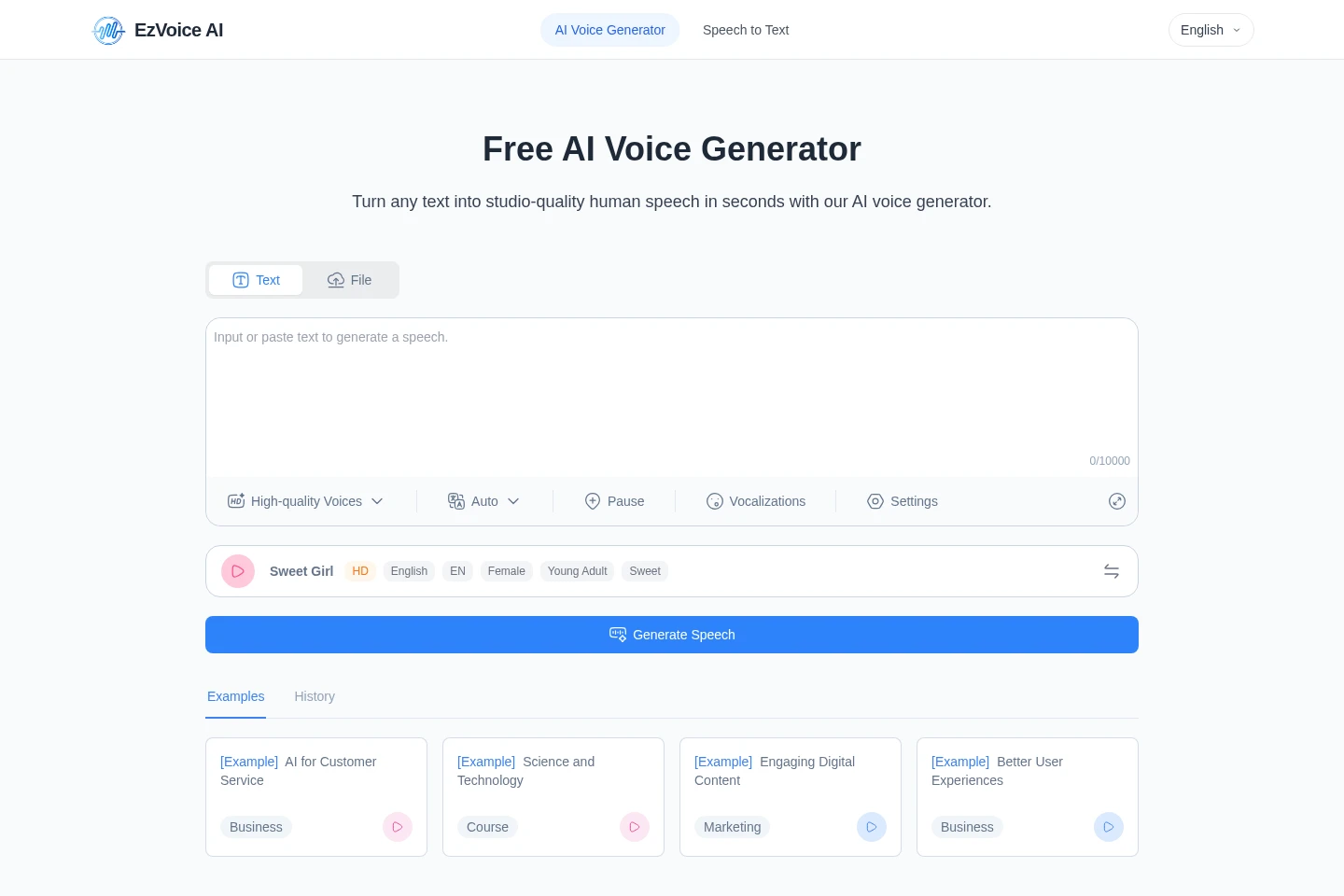
  3. EzVoice AI

    Generate AI speech and transcribe audio online

    Free
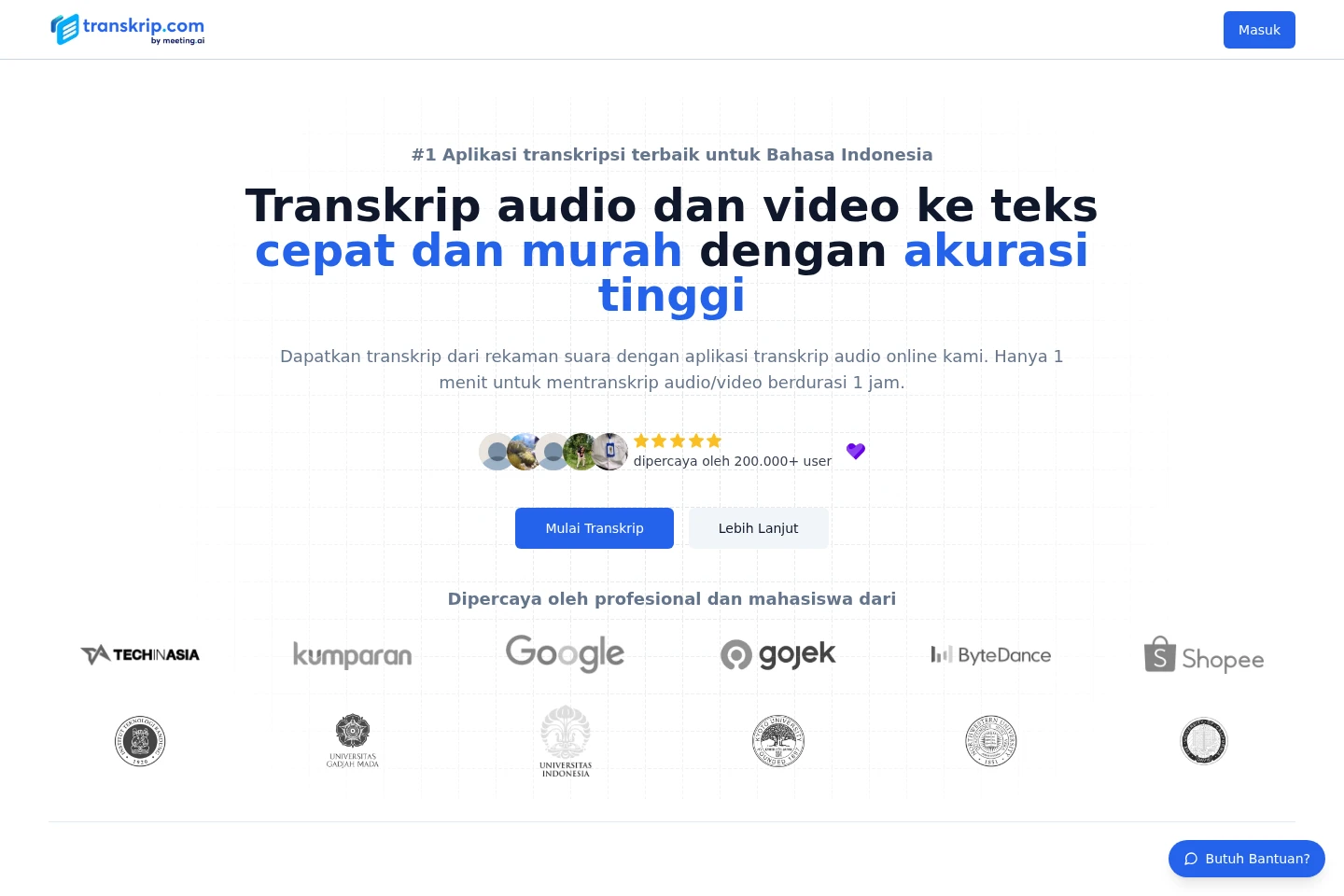
  4. Transkrip.com

    Turn audio and video recordings into text online

    Paid
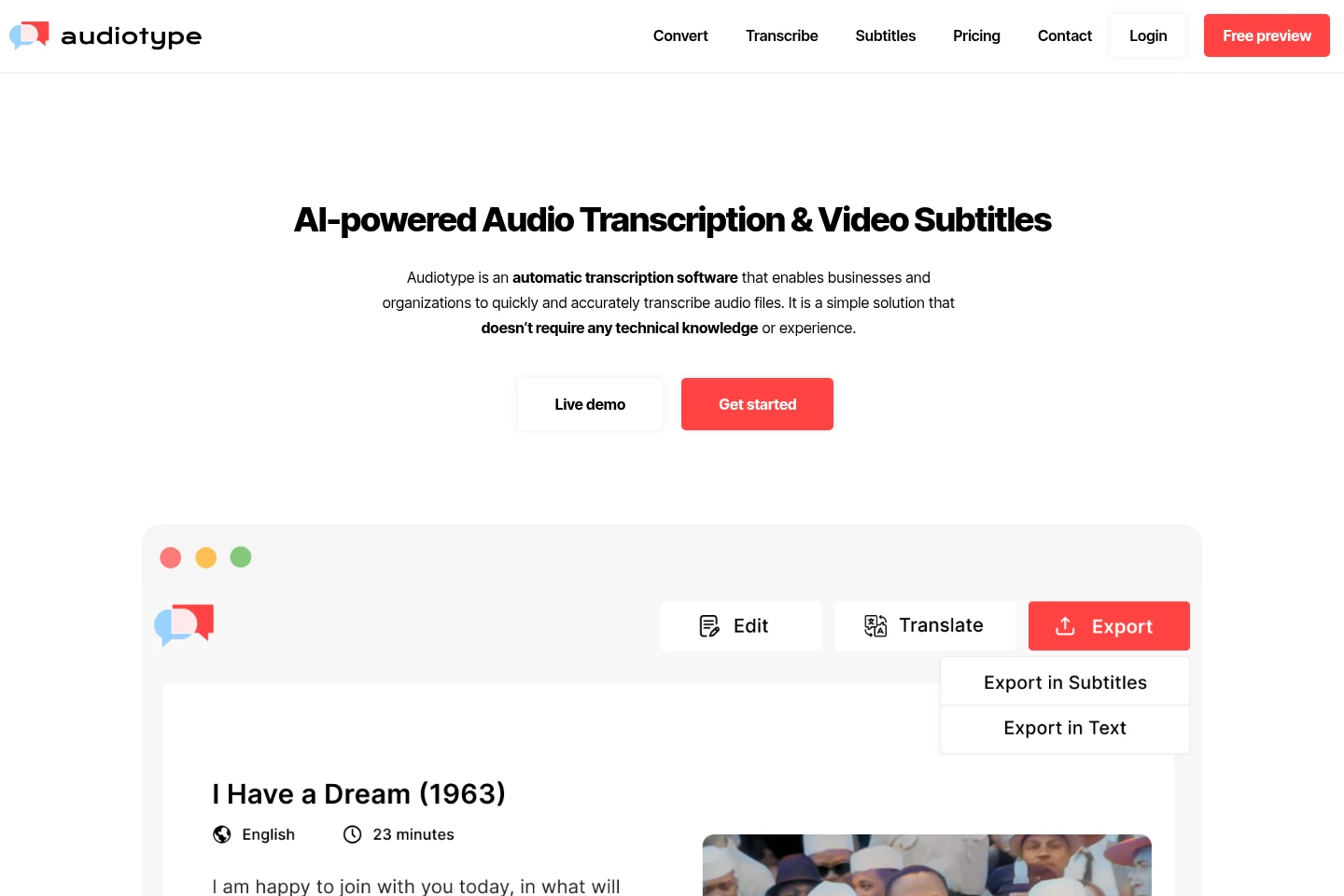
  5. Audiotype

    Effortless audio transcription made easy

    Freemium

Who it is for

  • Students who need searchable text from recorded lectures

  • Interviewers and researchers reviewing recorded conversations

  • Podcast listeners and creators working from spoken recordings

FAQ

Which audio and video formats can I upload?

The upload interface lists MP3, WAV, M4A, AAC, FLAC, MP4, MOV, AVI, MKV, and WEBM. The homepage shows an upload limit of 100 MB.

Can Audio Transcriber AI identify different speakers?

Yes. The transcription interface includes a speaker diarization option, and the site describes transcripts with detected speakers and timestamps.

Can it transcribe and translate different languages?

The site states that transcription and transcript translation are available in more than 120 languages. An output-language control is shown in the transcription interface.

What formats can I download a transcript in?

The homepage lists TXT and Word downloads. The separate Voice to Text tool lists SRT and TXT exports.

Comments

Please sign in to leave a comment.
No comments yet. Be the first to share your thoughts!